Procedure
Create a repository, publish a package, and verify its lifecycle
The flow for creating a hosted repository, authorized publishing, downloading, and restoring deleted or archived content by re-uploading it.
Role and prerequisites
Repository settings require ConfigureRepository, publishing requires Upload on the target repository, and downloading requires Download.
- An active writable storage component and the organization that will own the repository must exist.
- Confirm the format's current Hosted support level and the real package client that will be used.
- The repository name must be lowercase, URL-safe, and unique; owner, format, and behavior type become immutable after creation.
Procedure steps
The management UI creates repository metadata; package content is streamed through the format's package API.
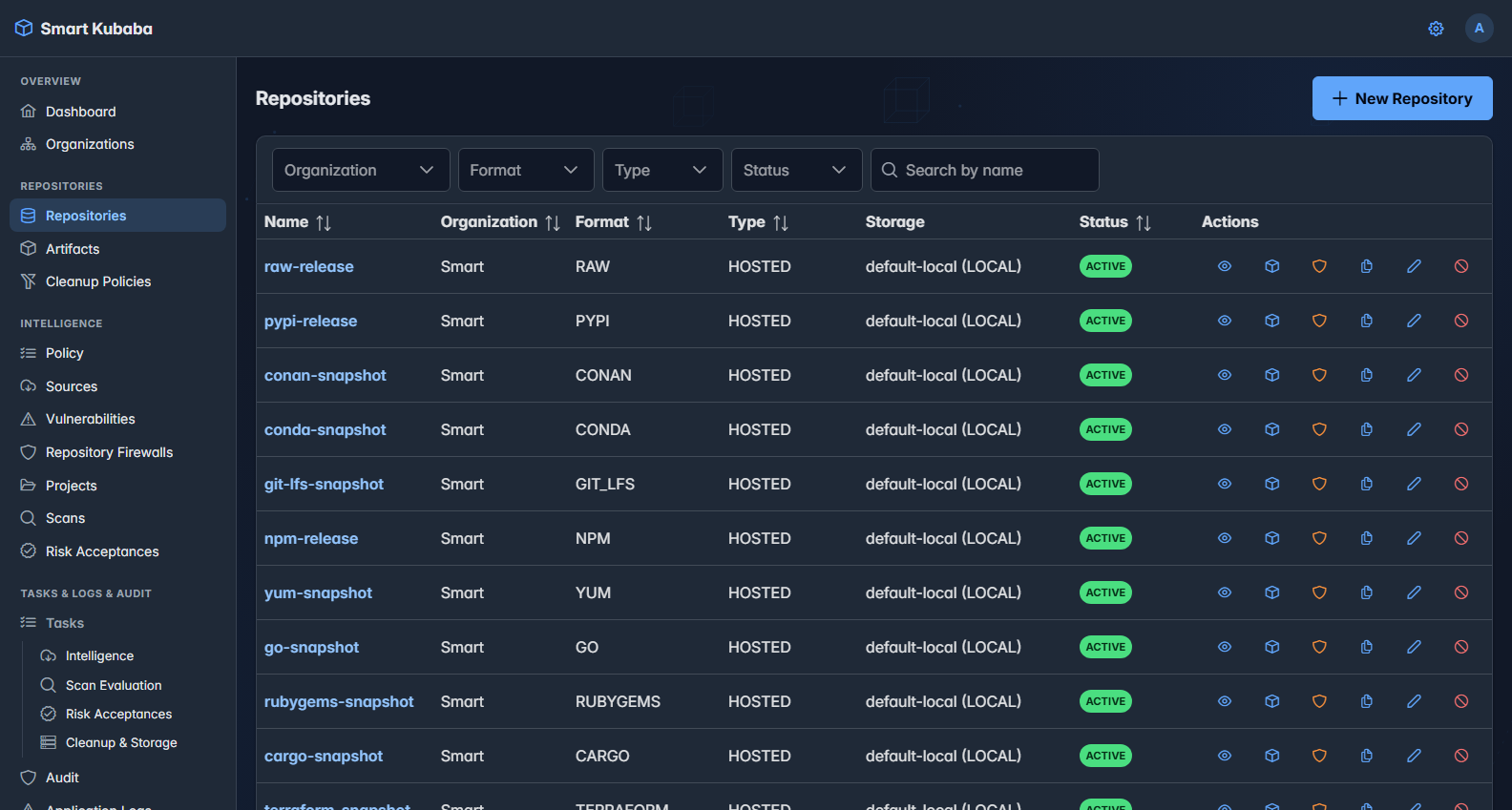
- On Repositories, choose New Repository; provide organization, format, Hosted type, storage, and optional description, shares, and labels.
- After creation, use Copy URL to obtain the package base address and verify Upload/Download access policy for the target team.
- Publish one test version with the format's native client. For Raw, the verified path is an authenticated PUT request; Maven and npm use their publish/deploy protocols.
- In Artifacts, inspect the logical package record and physical files, then download using the same identity.
- If restore testing is required, re-upload only the same path in DELETED or ARCHIVED state; normal validation and overwrite rules apply before the record becomes ACTIVE.
Success criteria
- The repository is ACTIVE with the correct organization, storage, format, and Hosted type.
- The server calculates SHA-256 and size; the Artifact Browse record matches the downloaded content.
- REPOSITORY_CREATED, ARTIFACT_UPLOADED, and relevant lifecycle/audit records exist; the download appears in Package Usage.
- If restore was tested, the new upload produces RESTORED lifecycle evidence; archived metadata is not reactivated directly.
Failure and security boundaries
- Re-uploading an existing ACTIVE path is rejected with 409 when overwrite is disabled.
- Traversal paths, reserved repository names, inactive or unwritable storage, and unauthorized requests are rejected.
- The client and UI never construct the storage object key; the backend owns it.
- Repository sharing does not grant access by itself; a matching user or group access policy is still required.