Procedure
Bootstrap the vulnerability source and verify task state
The procedure for enabling OSV, completing the first full synchronization, running incremental updates, and reviewing failures.
Role and prerequisites
Changing source state requires ManageSources, starting synchronization requires RunSynchronization, and reading tasks requires ViewOperations or the relevant intelligence permission.
- The application, PostgreSQL, and durable OSV work storage must be ready, with controlled HTTPS egress to storage.googleapis.com.
- No other task for the same source may be queued, running, or in retry wait.
- Incremental synchronization cannot run before the first successful full synchronization.
Downloaded data and network rule
OSV content is retrieved from the official Google Cloud Storage distribution area rather than the osv.dev web interface. The application permits requests only over HTTPS to storage.googleapis.com under /osv-vulnerabilities/, does not follow redirects, and uses the configured system proxy.
- Full: https://storage.googleapis.com/osv-vulnerabilities/all.zip
- Incremental index: https://storage.googleapis.com/osv-vulnerabilities/modified_id.csv
- Incremental objects: selected advisory JSON files under the same /osv-vulnerabilities/ root
- Reason for access: bootstrap the vulnerability database and bring later changes into the local PostgreSQL projection
- Outage impact: the cursor does not advance; missing or stale intelligence must not be interpreted as PASS.
Procedure steps
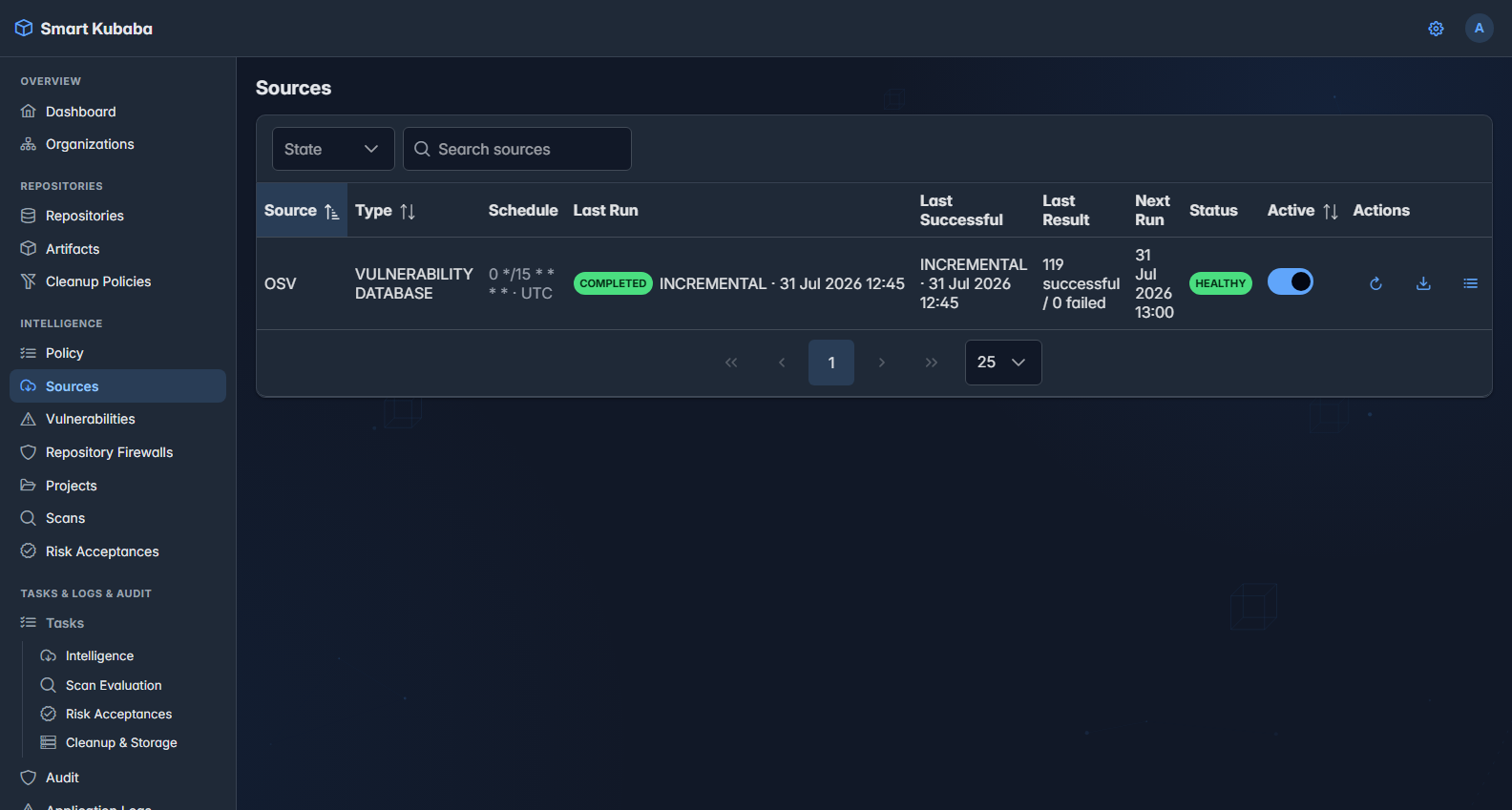
- On Intelligence Sources, confirm OSV is Active and review the current, latest, and last successful task states.
- If no successful full history exists, start Full Synchronization and confirm the HTTP request only queues durable work.
- In Tasks > Intelligence, monitor phase, progress, successful and failed item counts, and checkpoint advancement.
- After the task is Completed, sample current advisories on Vulnerabilities using source, ecosystem, and fix-status filters.
- For the next validation, start Incremental Synchronization and confirm the source cursor advances only after a task completes without failures.
Success criteria
- The latest successful FULL or INCREMENTAL task is Completed with zero failed items.
- Advisory detail exposes both the current projection and lossless raw revision evidence.
- Task checkpoints and counters can resume after restart or lease recovery, and no parallel active task exists for the same source.
Failure and security boundaries
- Disabling a source does not cancel a running task; it prevents only new manual or scheduled work.
- Retryable upstream outages may move a task to Retry Wait; raw payloads and proxy credentials are not stored in errors.
- A task with failed items does not advance the source cursor; unresolved or missing intelligence must not be interpreted as PASS.