Shared project context
Organize work within clear project, team, and ownership boundaries.
Smart Kubaba · Task Management
Manage projects, issue lifecycles, customizable workflows, and planning views in one connected delivery context.
Outcome
Organize work within clear project, team, and ownership boundaries.
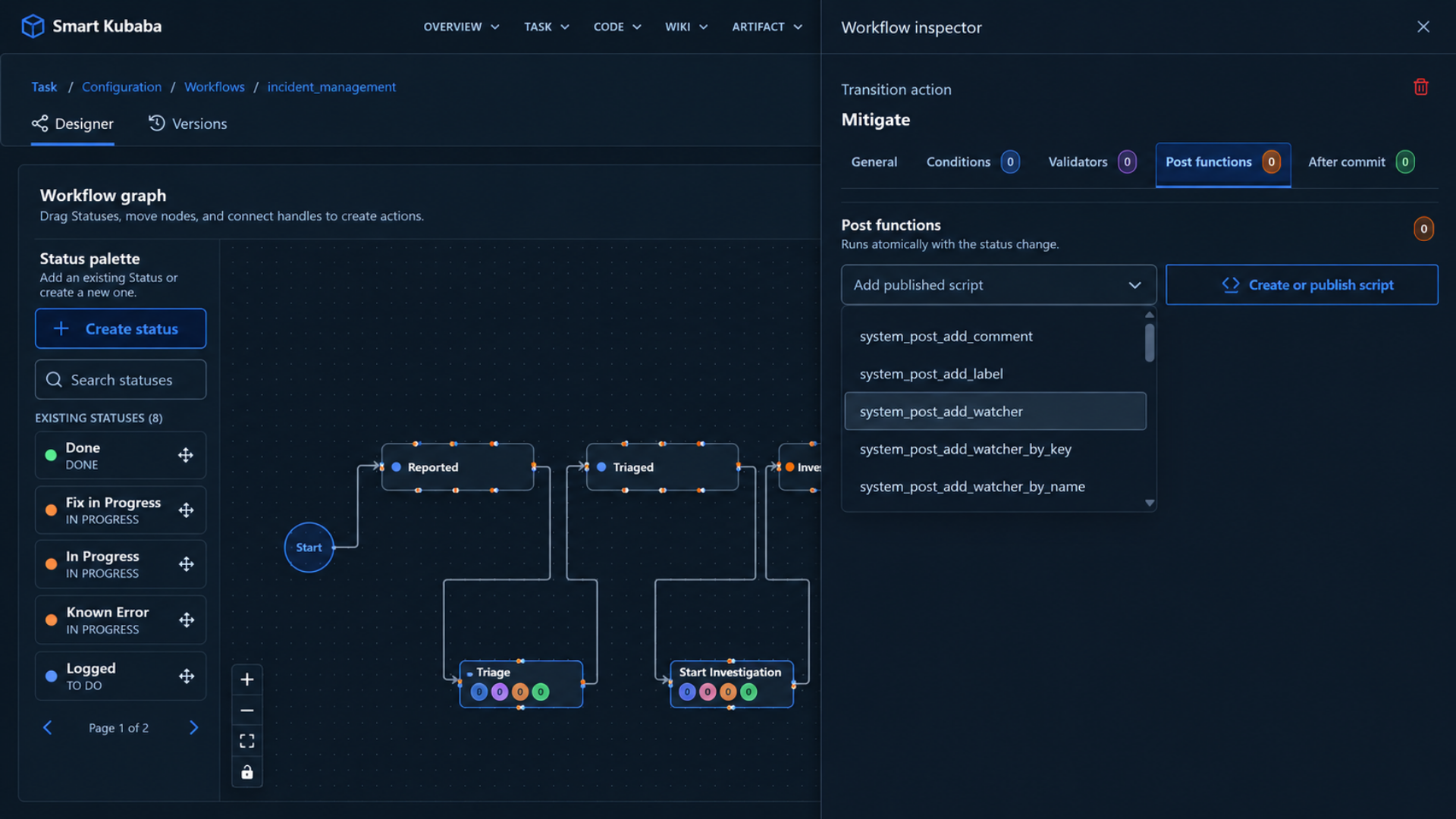
Manage issue states and transitions through a traceable lifecycle.
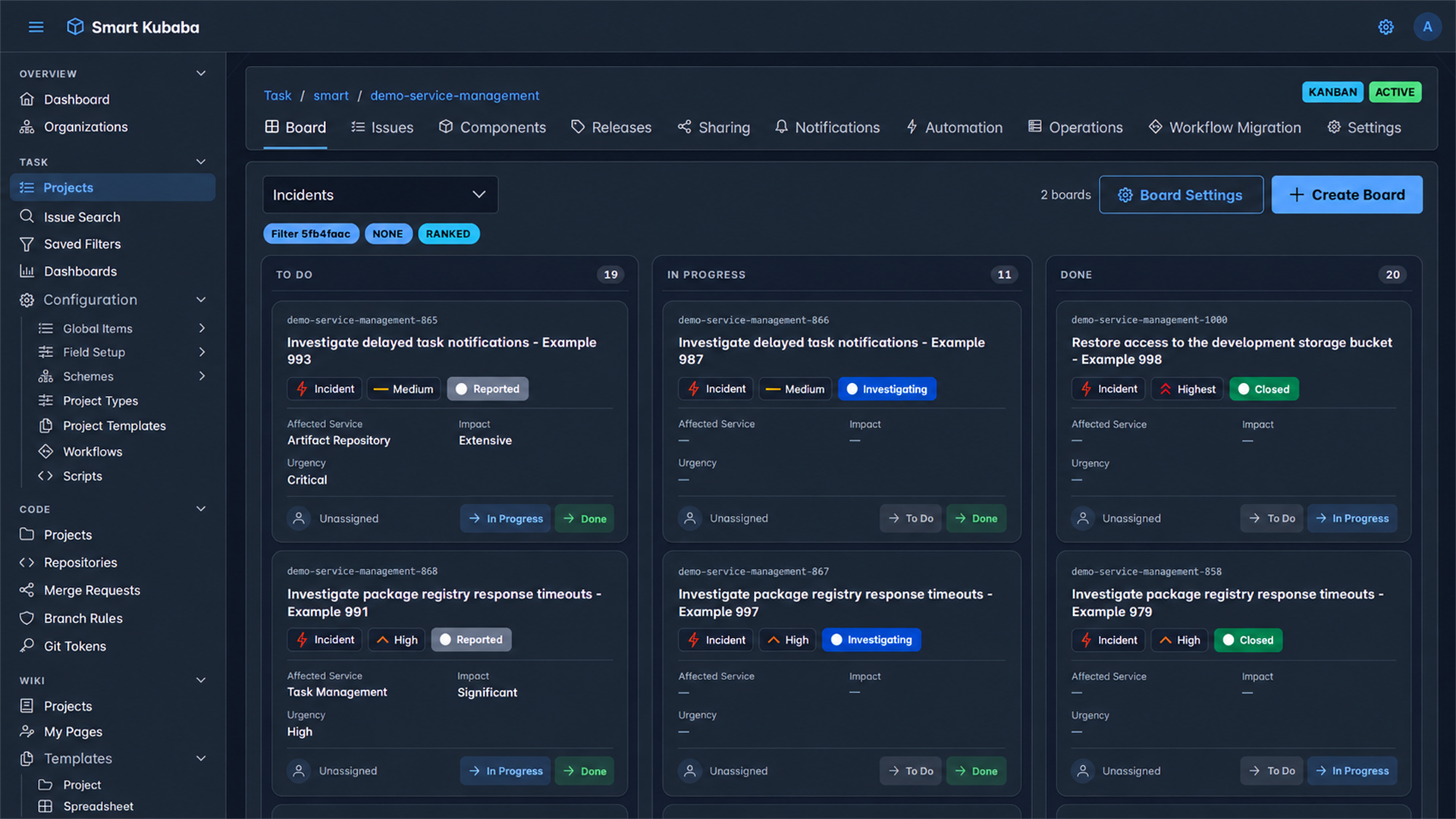
Use boards and planning views to follow priority, progress, and bottlenecks.
Product scope
Bring team work, responsibilities, and delivery context under each project.
ProjectsCreate and track work with issue type, priority, assignee, labels, and project context.
IssuesConfigure statuses, transitions, conditions, validators, and post-function behavior.
WorkflowManage daily flow, ranking, and planned work through Kanban boards.
PlanningOrganize issues by product or service component to establish ownership and work context.
ComponentsAssociate issue scope with target releases and follow delivery progress.
ReleasesManage project visibility and team access from the same workspace.
SharingConfigure the project and issue event streams that teams follow.
NotificationsRun recurring issue and workflow steps through project automations.
AutomationFollow work and delivery operations for the project in one view.
OperationsMove issues to a new workflow version through controlled mapping and transition steps.
MigrationBring existing issue data into the project and manage project behavior through central settings.
ImportTask Management moves planned work through defined workflows with shared team visibility.
Create the issue in its project and team context.
Manage states and transitions through the configured flow.
Follow the outcome through boards and reporting views.
Smart Kubaba
Task records share organization and project boundaries with code, documents, artifacts, and security work.
Technical evaluation
Let’s review your formats, deployment, and security policies together.